At a glance
- Takes
- Any payload
- Emits
- The same payload, unchanged
- Good for
- Seeing what a node actually produced, without cluttering the canvas
Set it up
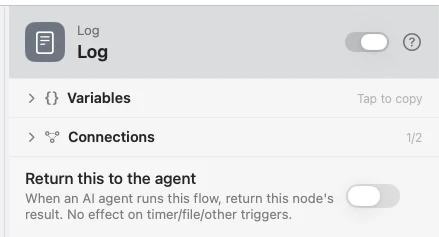
Drop it between any two nodes and wire its Pass-through outlet onward. It captures the whole payload automatically; there is nothing to fill in.
Example: see what a node produced
Input hands the flow a value. Template builds a sentence. Log records both on the timeline.
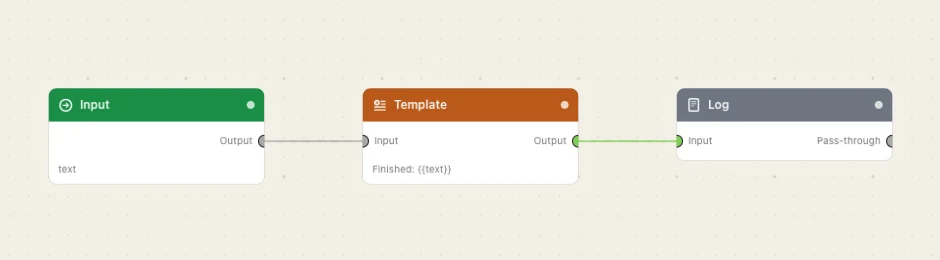
Paste this into the Flow Builder to get the same flow:
Take text from an Input trigger, build a sentence from it with a Template node, and log the payload.
Good to know
Open the run in the timeline to read it. Unlike JSON Viewer, which draws on the canvas, Log keeps the canvas clean and writes to the run record.