Try Watchflows AI for free
Watchflows AI is AI we host for you. There is no key to find and no model to download. It builds flows in the Flow Builder and runs AI nodes such as AI Prompt and Agent.
To try it, give us an email. You can do this during first run, or later in Settings ▸ Cloud.
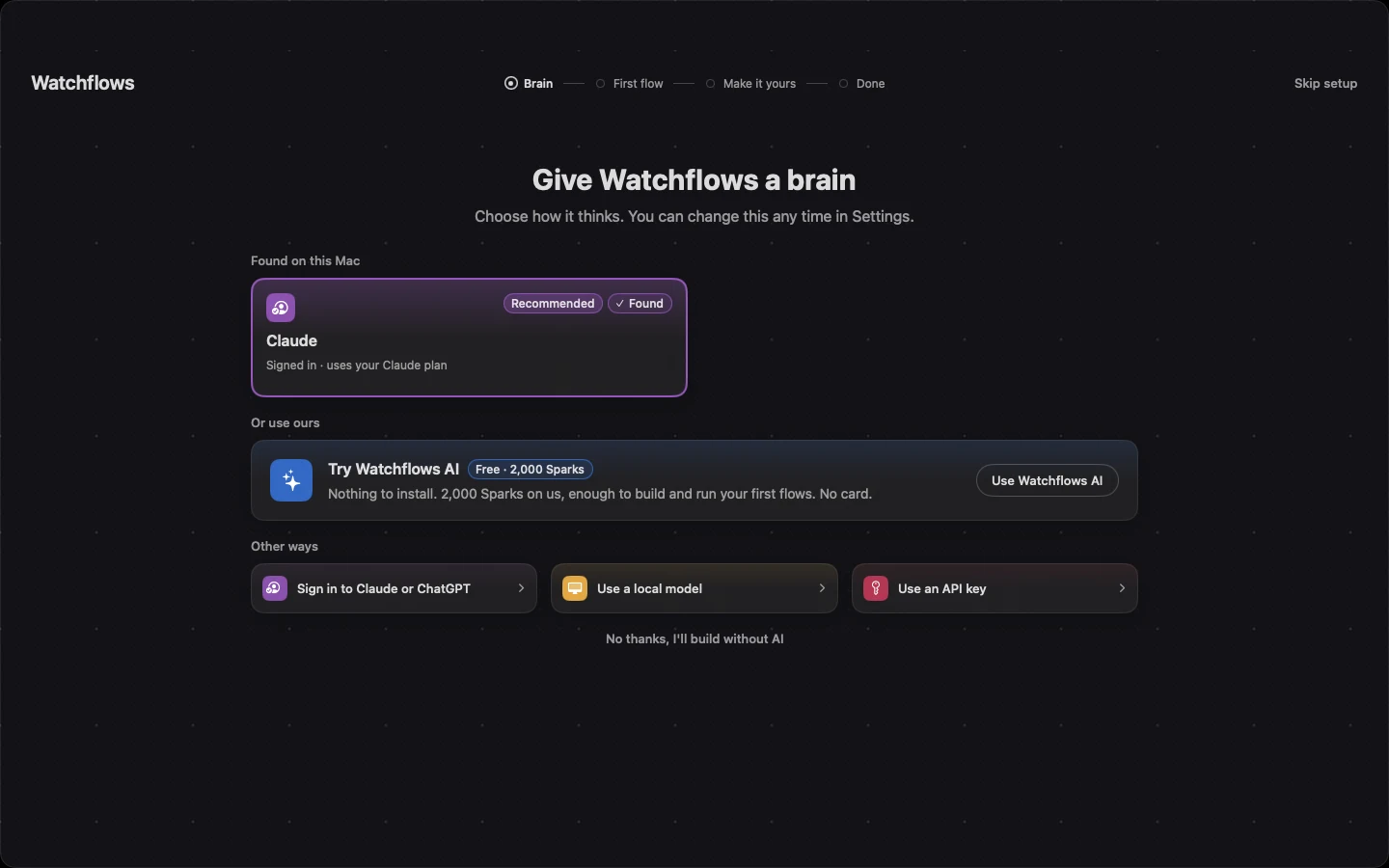
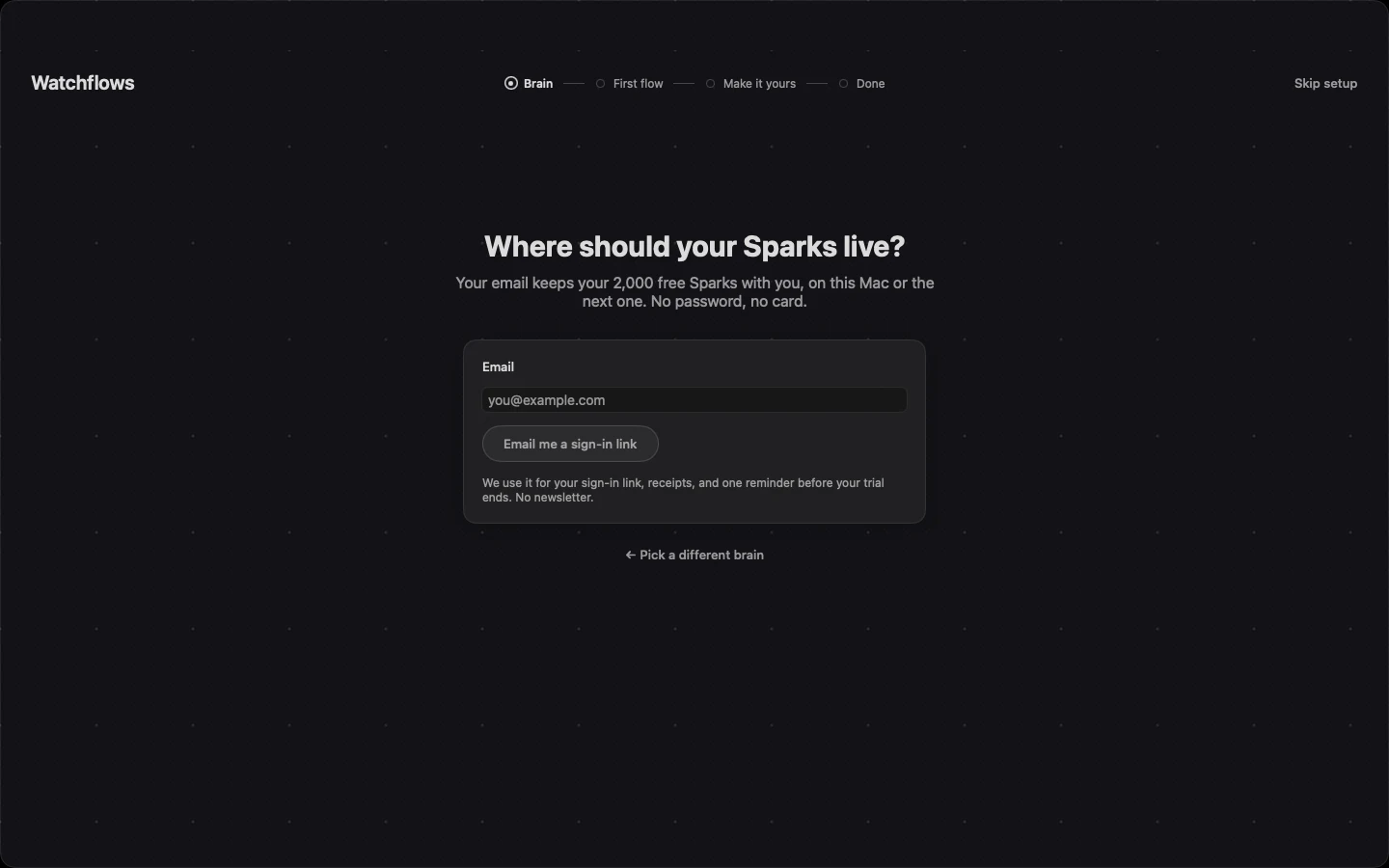
- Type your email.
- Open the email we send and click the sign-in link. No password, no card.
- You get 2,000 free Sparks, good for 30 days.
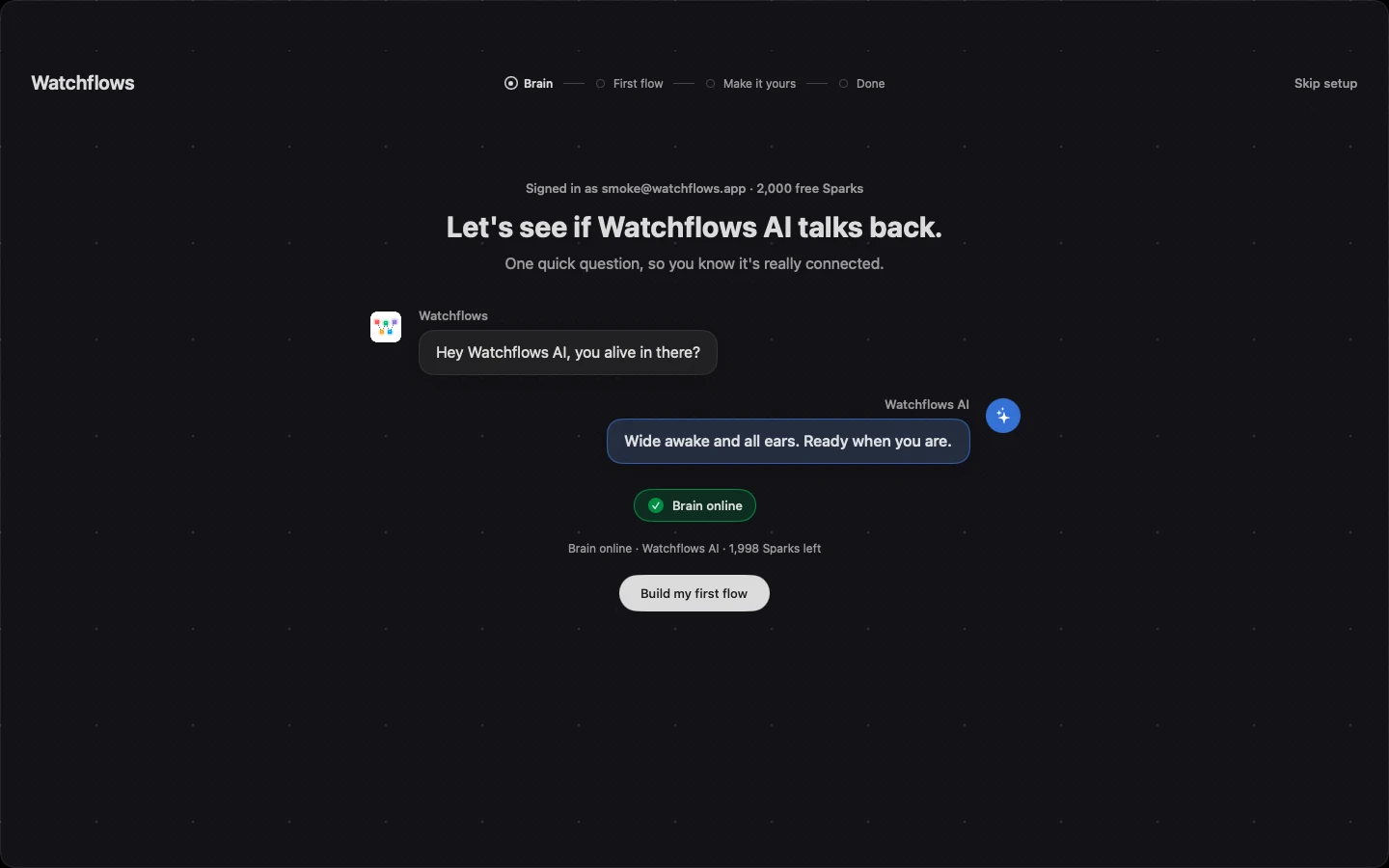
When you are signed in, Watchflows asks Watchflows AI one question. The answer shows the brain is online. The line under it shows how many Sparks are left.
The free Sparks come once per person and once per Mac.
What your email is for
We use your email for three things:
- the sign-in link,
- receipts, if you ever buy something,
- one reminder before your 14-day app trial ends.
That is all. No newsletter.
Sparks
A Spark is how Watchflows AI is measured. An AI step spends about a Spark, and building a flow with AI spends a couple of hundred. How many depends on the model and the size of the job, and pricier models spend them faster.
The Flow Builder builds with Claude Sonnet 5.5, and AI steps run on a light, low-cost model. As a rough guide, your 2,000 free Sparks build about 8 flows with AI, or run about 2,000 AI steps.
Free Sparks run the good-value models. Premium models, such as Claude Opus and GPT-5.5, come with Sparks you buy: a Spark pack or Watchflows Cloud.
Sparks are spent in this order:
- your free starter Sparks,
- your monthly Sparks, if you subscribe to Watchflows Cloud,
- Spark packs.
Getting more Sparks
| Option | Price | Sparks |
|---|---|---|
| Spark pack | $5 once | 5,500 |
| Spark pack | $10 once | 12,000 |
| Spark pack | $25 once | 32,500 |
| Watchflows Cloud | $12/month | 6,000 every month, plus the app and public webhooks |
Anyone with an account can buy a pack. You do not need a subscription. Pack Sparks never expire. Buy them in Settings ▸ Cloud.
When Sparks run out
Your flows keep running. Only the AI steps that use Watchflows AI pause. To carry on, you can:
- buy a Spark pack,
- subscribe to Watchflows Cloud,
- or switch those steps to your own AI.
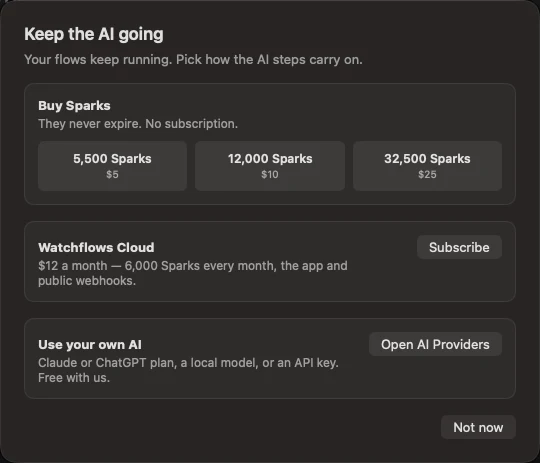
Home shows a banner when you run out. Click Keep the AI going to see these choices.
Use your own AI instead
You never need an account. Choose No thanks to Watchflows AI, and Watchflows works exactly as before: no email, no account. Set Up AI shows every other way in — a local model, an API key, or a Claude or ChatGPT plan you already pay for.
Whichever provider is the default in Settings ▸ AI Providers does the work. Sparks are spent only when that is Watchflows AI.
Signing out
Your account lives on this Mac as a key, the same way a license does. To sign out, open Settings ▸ License and click Deactivate. Your flows stay where they are.
Good to know
Your prompts do not pass through our servers. Watchflows AI makes a spend-capped key for your Mac, and your Mac calls the model at OpenRouter directly. See What Transits Our Servers.
Free Sparks have no cash value. They expire after 30 days, and we may pause or change the free offer. Sparks you buy in a pack never expire.