Most flows are stateless: something happens, something else happens, nothing remembers. The five Database nodes are how a flow remembers. Each database is one ordinary .sqlite file in Watchflows' Application Support folder — no server, no account, nothing leaves your Mac, and you can open it in any SQLite tool.
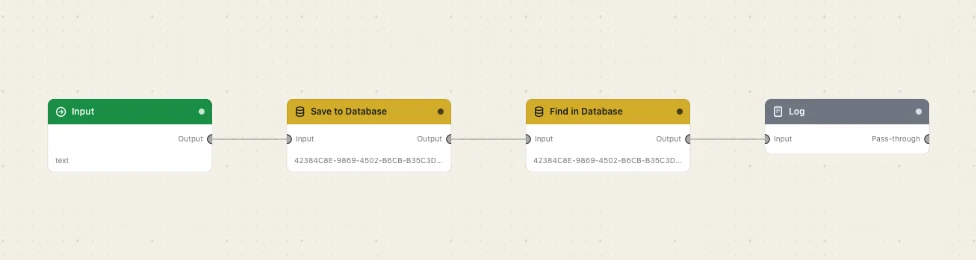
There is no schema step: Save to Database creates the table and any column you name on its first run, and every table it makes gets two managed columns — id, an auto-numbering primary key, and created_at, a UTC ISO-8601 stamp. Those two names are reserved. Each node has an Input inlet and an Output outlet, and finds its database by id rather than by name, so renaming one in Settings never breaks a flow.
Every Databases node
Delete from DatabaseRemoves the rows that match your conditions. Rows that don't match are left exactly as they were.Find in DatabaseReads the rows that match your conditions out of a local SQLite database. Read-only — nothing is ever written.Run SQLRuns one SQL statement you write yourself, with {{variables}} filled in as bound values — never spliced into the text.Save to DatabaseAdds a row to a local SQLite database, creating the table and any missing column the first time it runs.Update in DatabaseChanges the rows that match your conditions. Rows that don't match are left exactly as they were.