These nodes drive the built-in Mac apps from a flow: Apple Notes and Apple Reminders create, search and complete items, Add to Calendar and List Calendar Events write and read events, Apple Music controls playback, and Installed Apps hands you every app on the Mac as rows.
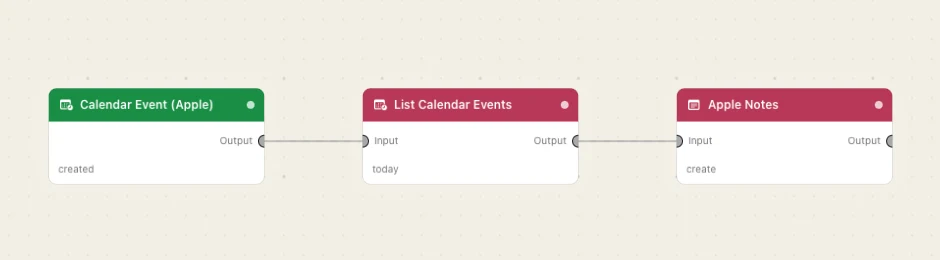
Notes, Reminders and Music go through AppleScript, so macOS asks once for permission to control each app; the two Calendar nodes use EventKit and need full Calendars access. Every node here takes an Input and passes the payload on through Output with its own keys merged in.
Every Apple node
Add to CalendarPut an event in your Mac's Calendar — the natural landing place for a date an AI node just parsed out of a sentence.Apple MusicPlay something from your library, or send a plain playback command — play, pause, next, previous.Apple NotesCreate a note, append to one you already have, or search your notes and bring the matches back as rows.Apple RemindersCreate a reminder, read a list, tick something off, or find out what lists exist.Installed AppsEvery app on this Mac as rows a chooser can draw — name, path, bundle id — with the real icons.List Calendar EventsRead what is on the calendar for a window of time — as a real array to walk, and as a line-per-event digest to paste into a prompt.