Four of them show you what the payload holds: Log writes it to the run timeline, JSON Viewer draws it on the canvas, File Log tails a file, and Time Series charts a number as it streams. Breakpoint stops the run so you can look, Timer measures how long a stretch took, and Note leaves a sticky note or a Section behind.
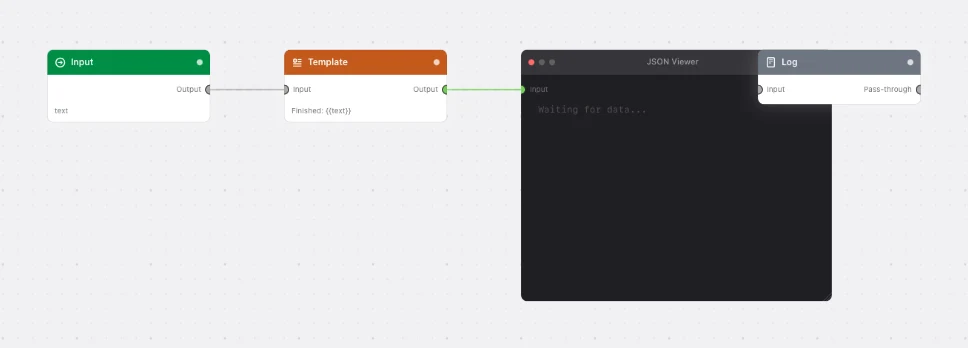
Everything except Note and File Log passes the payload straight through, so you can leave them wired in without changing what the flow does.
Every Utilities node
BreakpointStops the run at this point and waits. Click the card to carry on.File LogTails a log file in a terminal-style viewer on the canvas.JSON ViewerDraws the incoming payload on the canvas as a collapsible JSON tree, then passes it on unchanged.LogRecords the payload at this point in the run timeline. Nothing to configure.NoteA sticky note on the canvas — or, with one toggle, a tinted Section behind a group of nodes.Time SeriesCharts a streaming number as a live line on the canvas, then passes the payload on unchanged.TimerMeasures how long a stretch of a flow took — one node to start, another to stop.