Arm one flow
The Enabled switch in the canvas toolbar arms the flow: Watchflows starts watching for whatever the flow's trigger nodes describe and runs it each time one fires. Right-click a card on Home for the same switch — Activate or Disable.
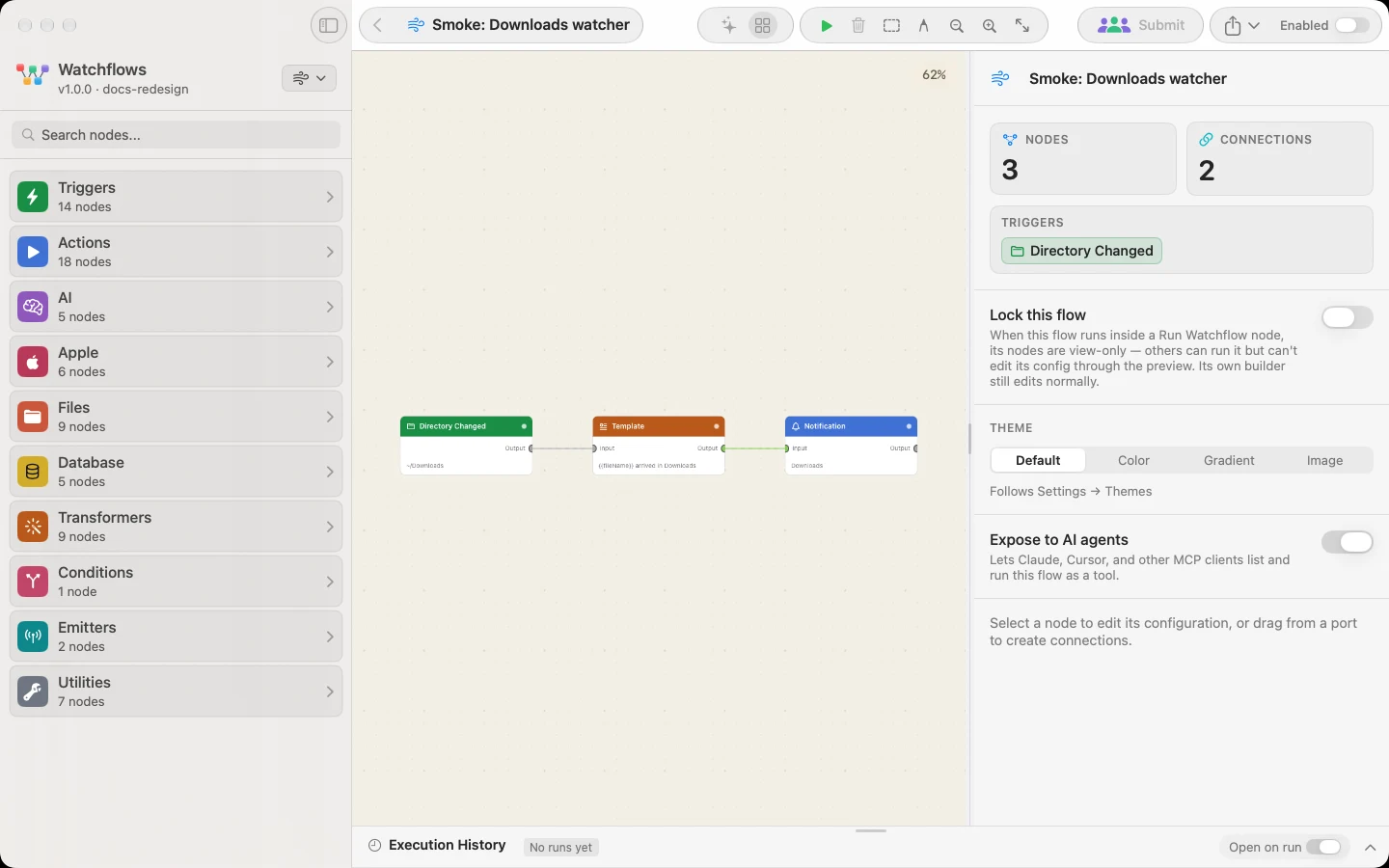
A flow whose only triggers are Input or Form runs on demand instead. Its switch reads Active and does nothing.
Arming can be refused or questioned. If every trigger node in the flow is switched off, Watchflows declines and says so. If the flow holds a destructive node, it asks you to confirm — see Destructive Actions.
Arm everything, or nothing
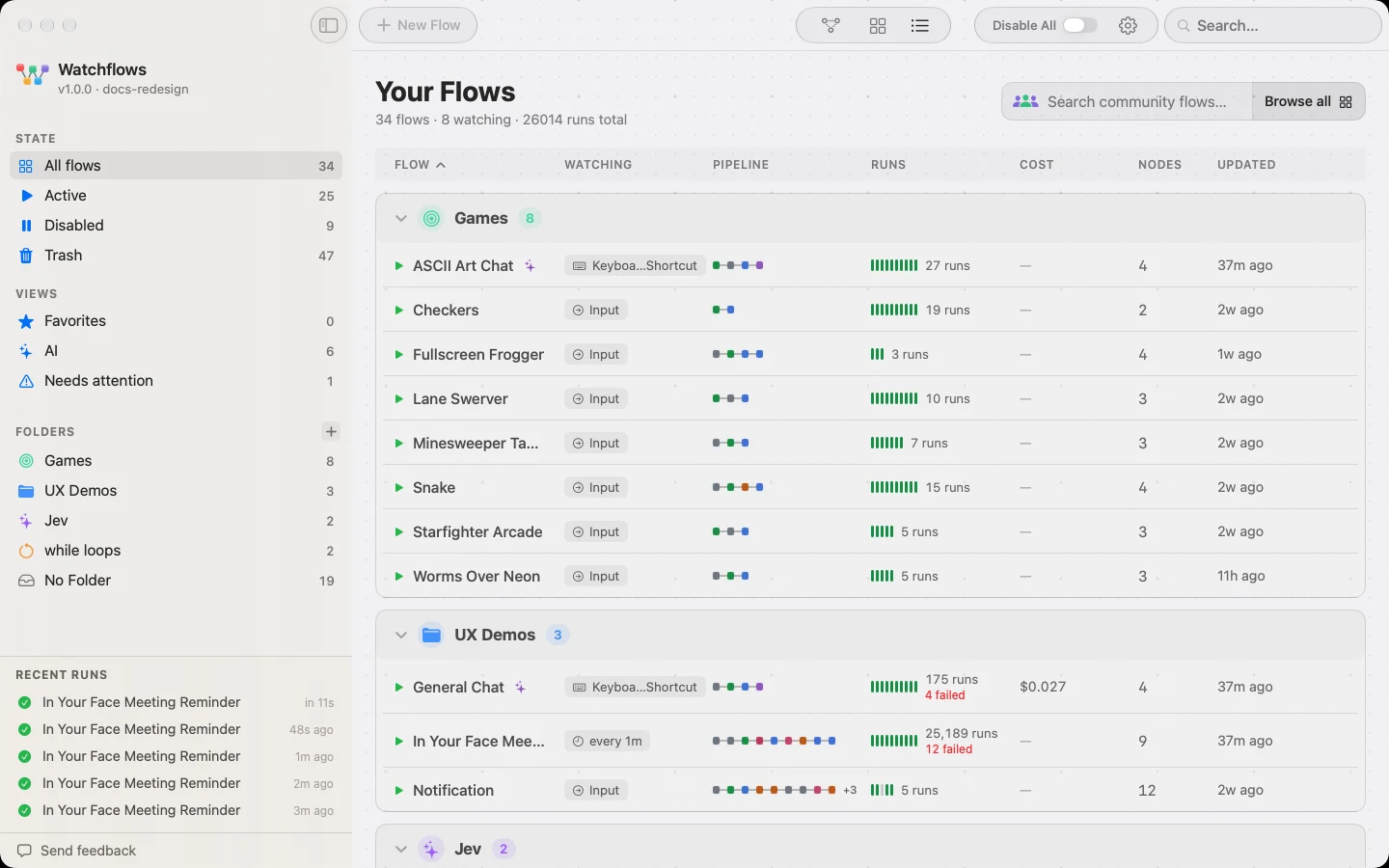
Disable All in the Home toolbar is the master switch: turn it on and every armed flow stops watching. Turn it off and everything that was armed comes back. Arming a single flow from its canvas clears it too, and re-arms the rest at the same time.
Seeing what ran
Recent Runs in the sidebar lists what fired, when, and whether it succeeded.
Closing every window quits Watchflows, and a quit app watches nothing. It stays resident without windows only when AI Agents is on, or an armed Public Webhook needs the relay.