Your Mac can now handle
repetitive work for you.
No code required.
Auto-name your screenshots. Sort your downloads. Summarize PDFs while you sleep. Everything you’d reach for Hazel, Shortcuts, or AppleScript to do — no code required.
One-time purchase · macOS 14+ · 14-day free trial · 2,000 free Sparks to try AI · What's new
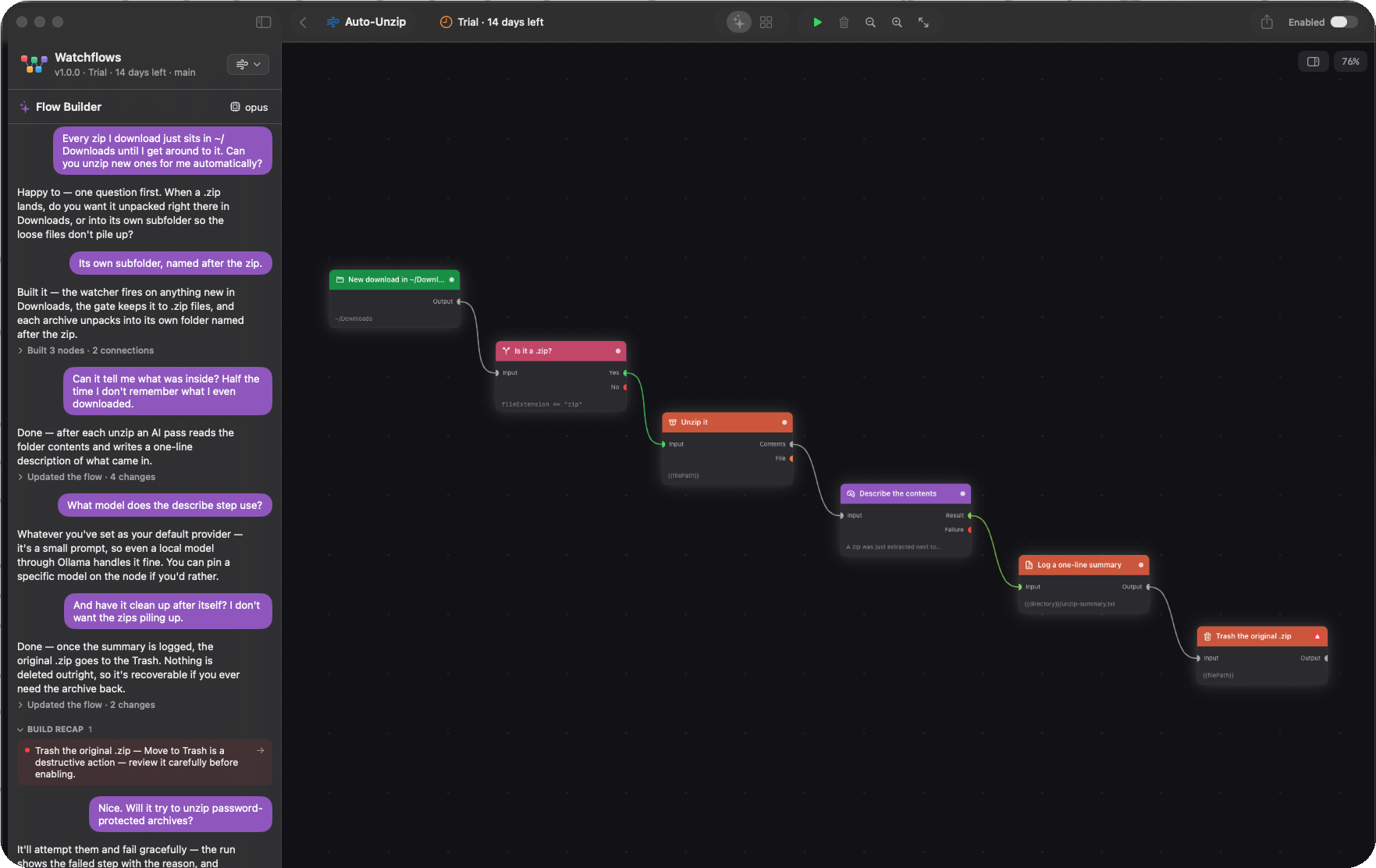
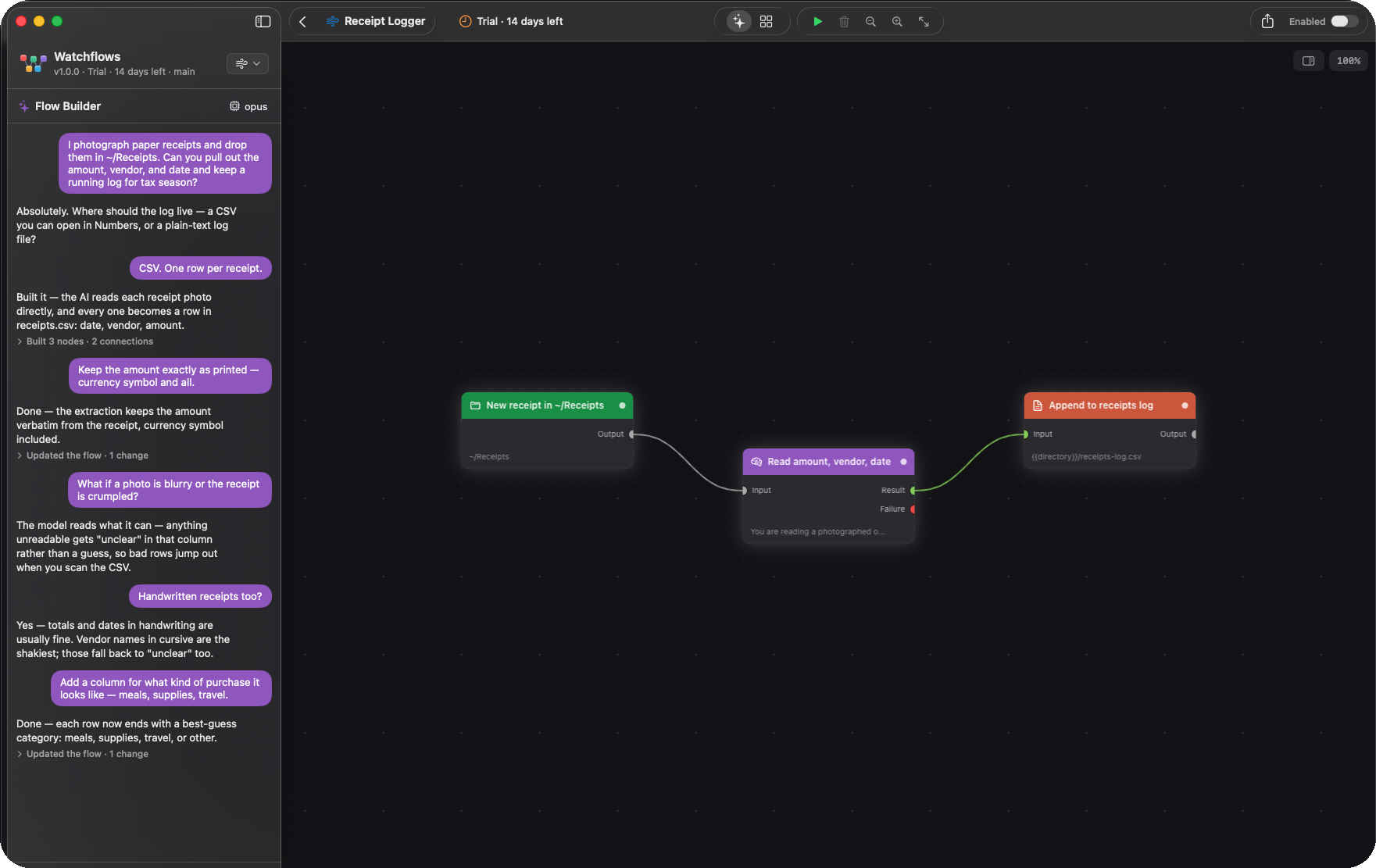
Real flows, as they look in the app.
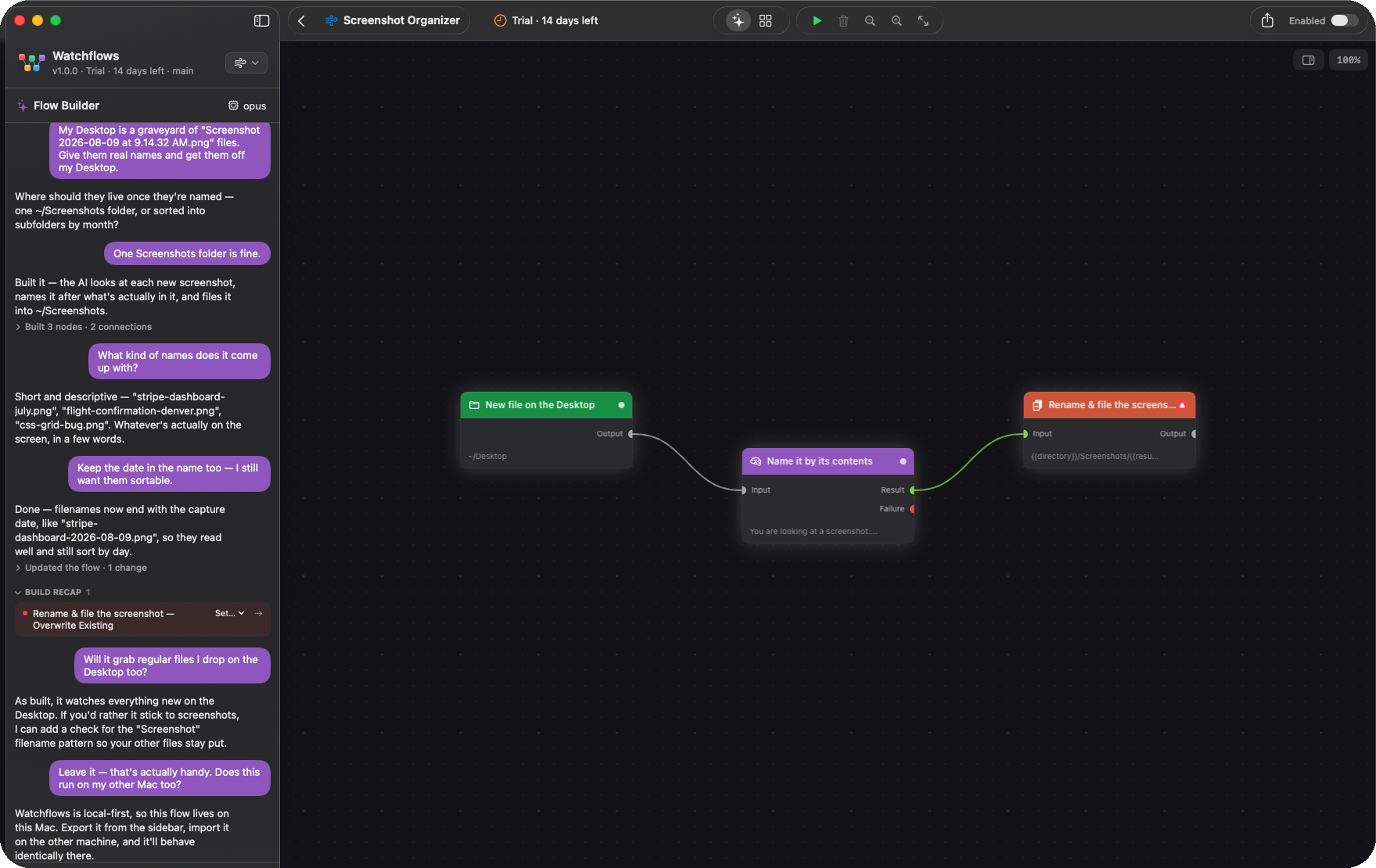
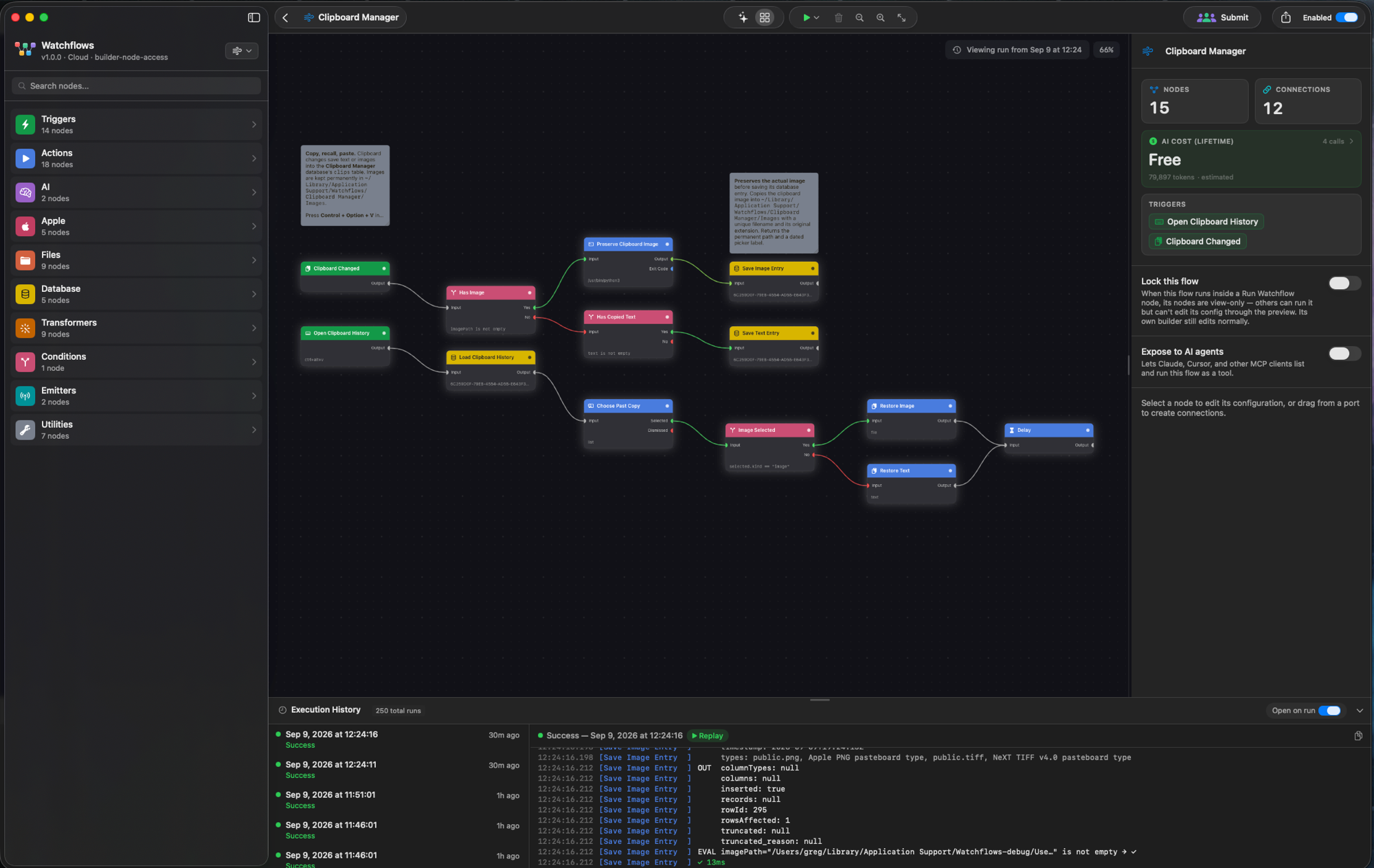
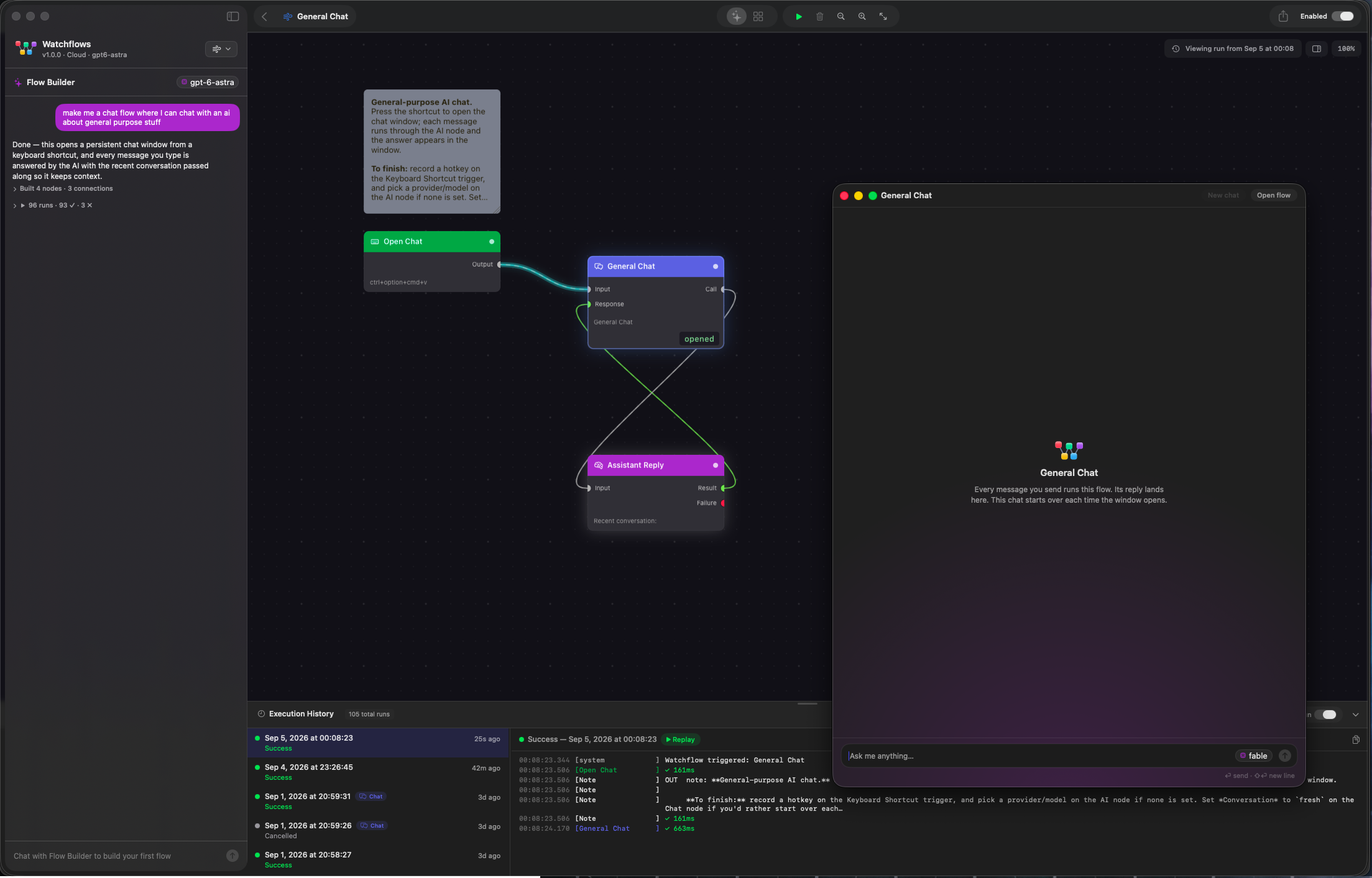
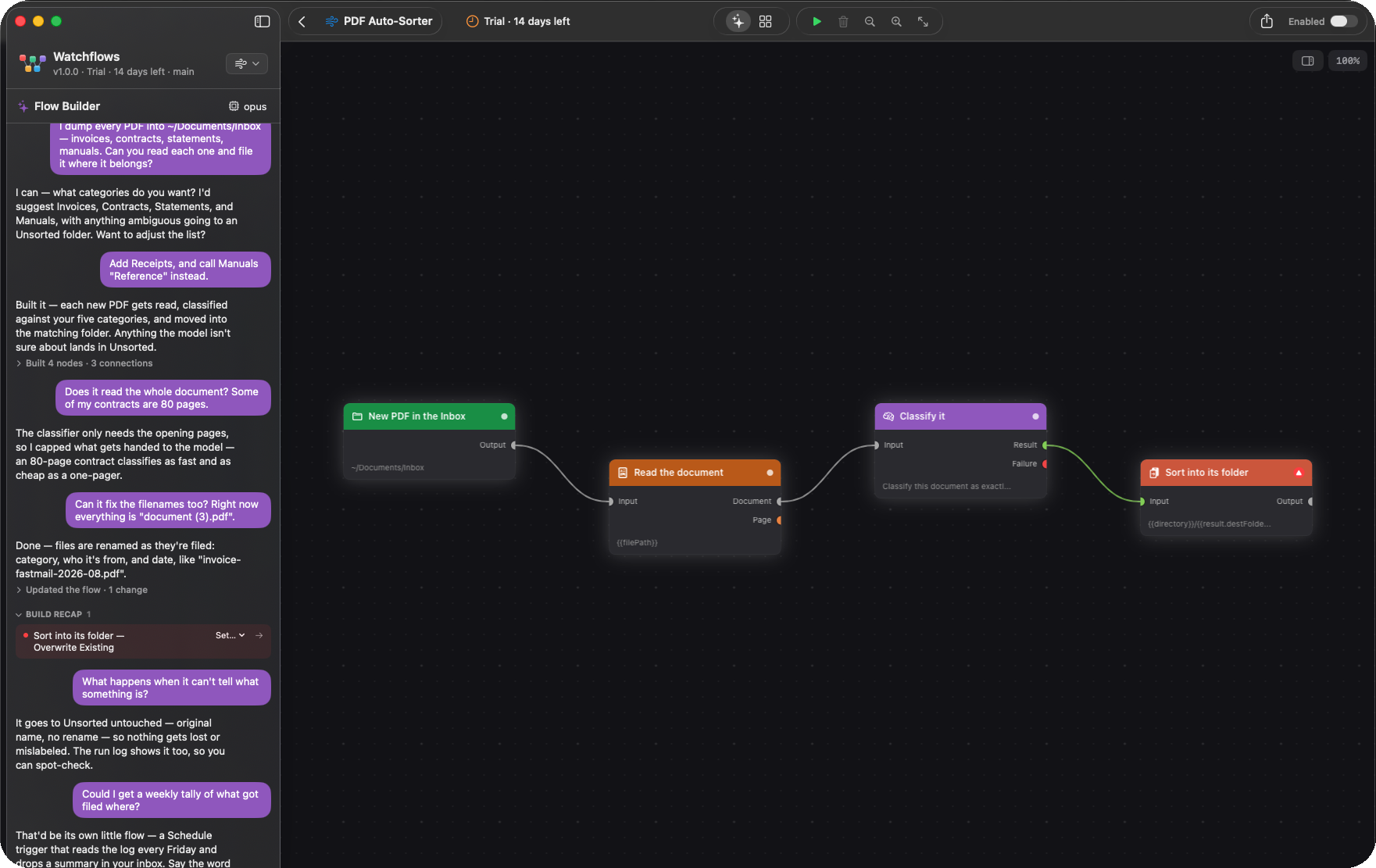
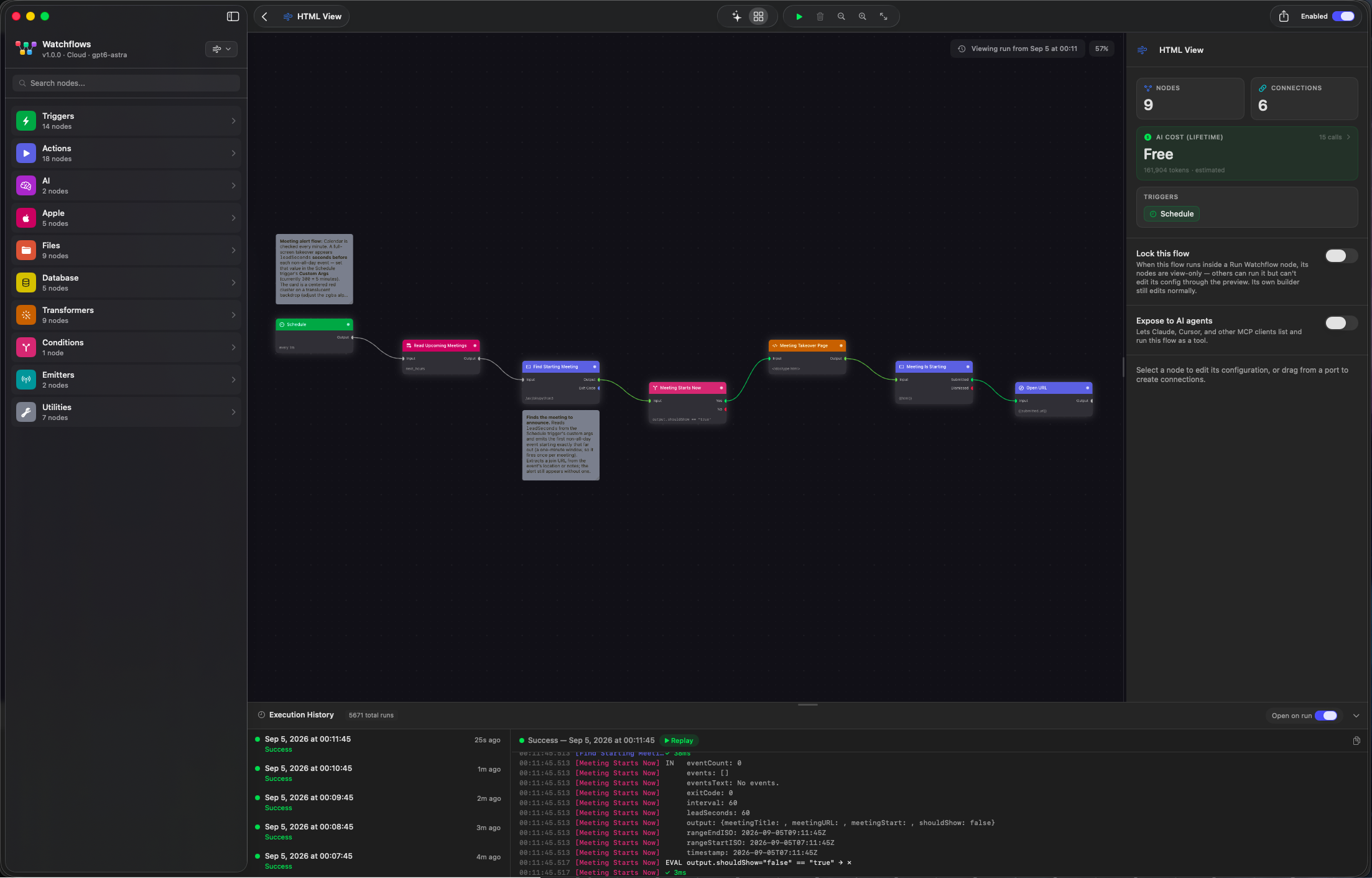
Nodes for the things a Mac actually does.
Triggers watch folders, hotkeys, the clipboard and the clock. Actions reach into the apps you already use. Every node is a drag away.
Triggers
Apple
AI
Files
Conditions and transformers
Emitters and integrations
If you’ve outgrown Shortcuts, Hazel, or a Zapier bill.
Watchflows is what you reach for when the chore has more than one step, a decision in the middle, or a file on your Mac.
| Watchflows | Shortcuts | Hazel | Keyboard Maestro | Zapier | |
|---|---|---|---|---|---|
| Visual canvas with branches | Yes | Block list | No | Macro list | Yes |
| AI nodes, any provider | Yes, 10 providers | Apple Intelligence only | No | No | Paid add-on |
| Watches folders, clipboard, apps, hotkeys, schedules | All of them | Some | Folders only | Yes | Cloud events only |
| Files never leave your Mac | Yes | Yes | Yes | Yes | No |
| Builds the flow from a sentence | Yes | No | No | No | Copilot |
| Price | $49 once | Free | $42 once | $36 once | Subscription |
Competitor details as of October 2026. Watchflows vs Hazel, in full
What r/MacOSApps said.
One post, no ads. The Mac automation crowd had questions and opinions.
“This is seriously impressive.”
“Beautiful app that reminds me of Yahoo Pipes.”
“I’m a heavy user of KM and automate a lot of things on my computer. Really interested to see how this compares.”
One price. Own it.
Pay once and keep every v1 update. Try the whole app free for 14 days first. No account, no card.
Prefer not to buy? Watchflows Cloud is the same app with hosted AI for $12 a month.
- Every node, every provider, every v1 update
- 2,000 Sparks to try Watchflows AI
- Licence key by email, verified offline
- macOS 14 Sonoma or later
From Field Notes
All notes
Fun things to automate on a Mac: four games built as flows
Not every automation is for work. Four games from Community Flows, each one HTML View node, show what a flow can put on screen, and how to build one for your kids.
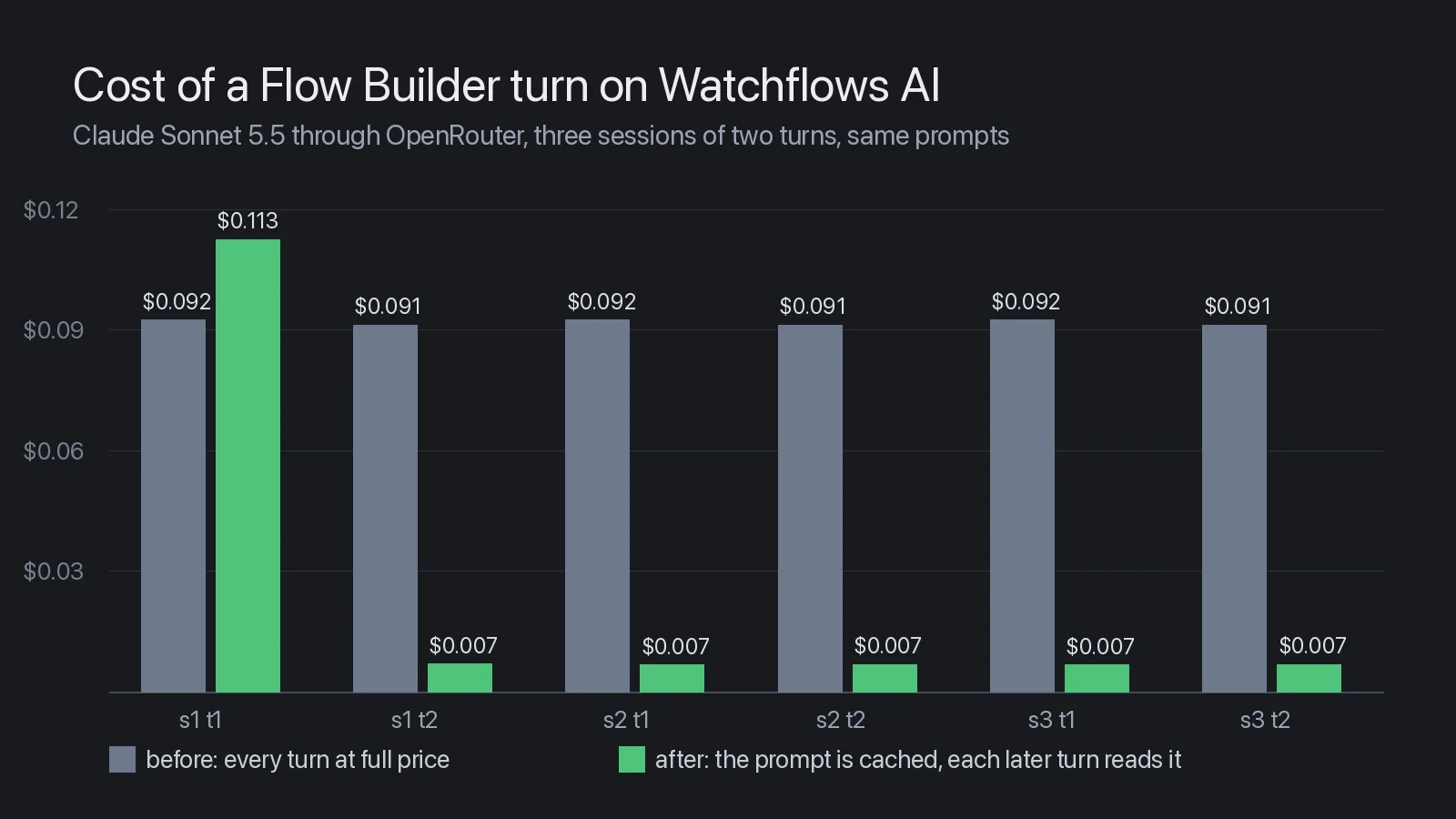
Building flows with Watchflows AI now costs a lot less
The Flow Builder used to re-read the same 44,000 tokens on every turn, and you paid for it every time. Now it reads them once. Each turn after the first costs about 7% of what it did.
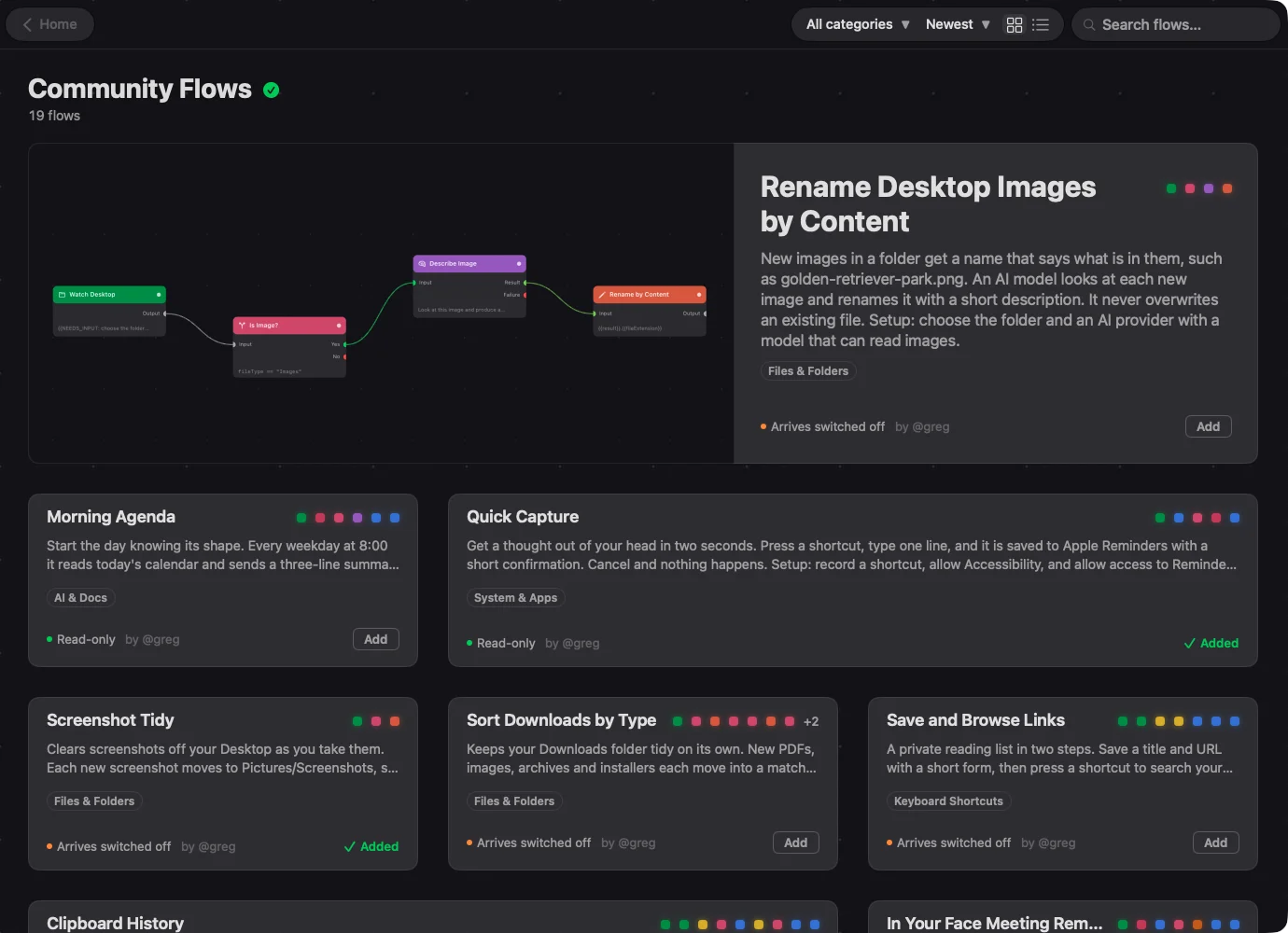
Mac automation templates you can add in one click
Community Flows is a catalog of finished Mac automations inside Watchflows. Browse it, add one, open it up and change it. Here are five worth adding today.