Your Mac can now handle
repetitive work for you.
No code required.
Auto-name your screenshots. Sort your downloads. Summarize PDFs while you sleep. Everything you’d reach for Hazel, Shortcuts, or AppleScript to do — no code required.
One-time purchase · macOS 14+ · 14-day free trial · 2,000 free Sparks to try AI · What's new
Six things your Mac can start doing tonight.
Each one is a real workflow you can build — with the AI Flow Builder, or by hand. Pick the shape that sounds like your day.
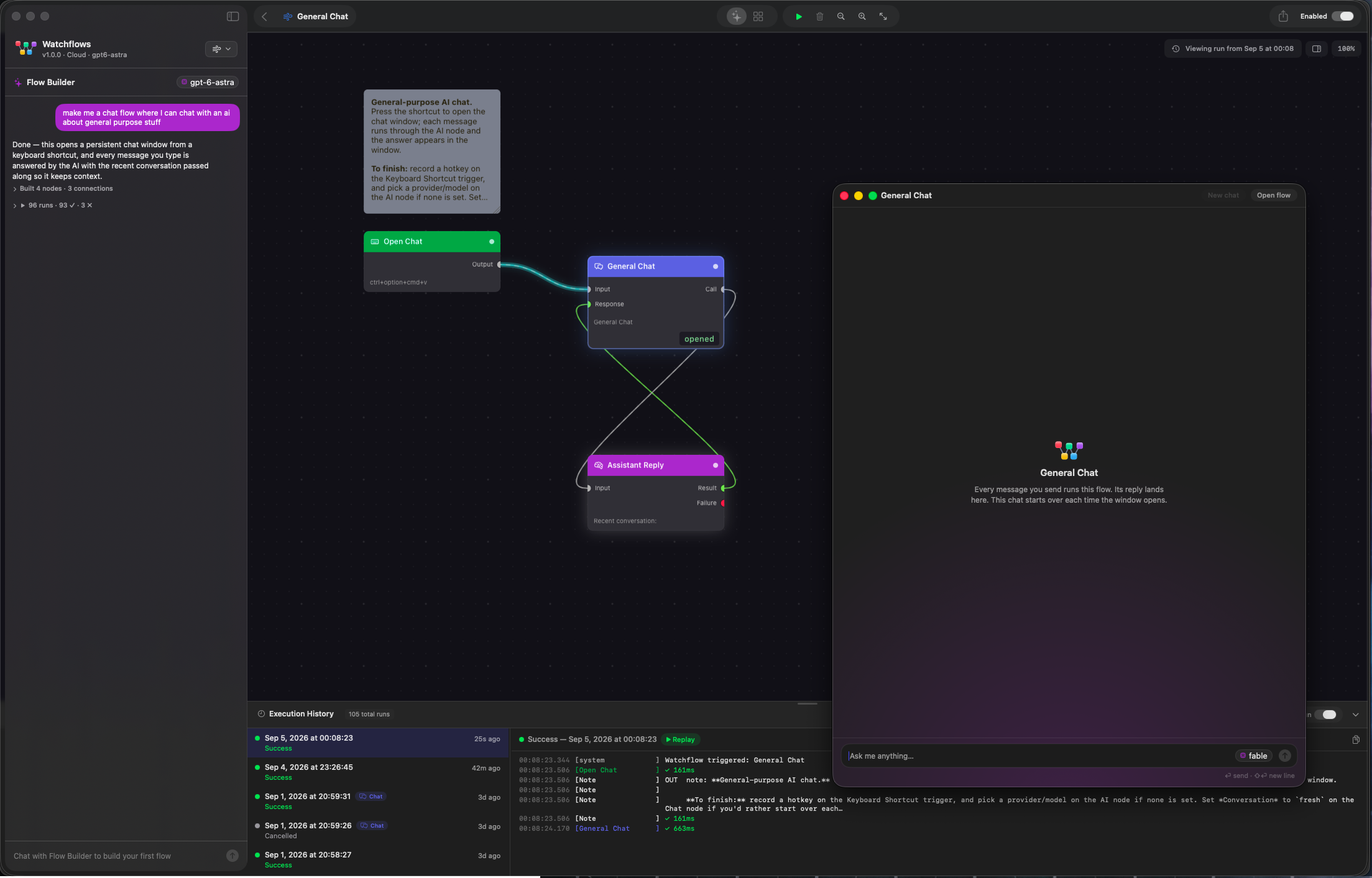
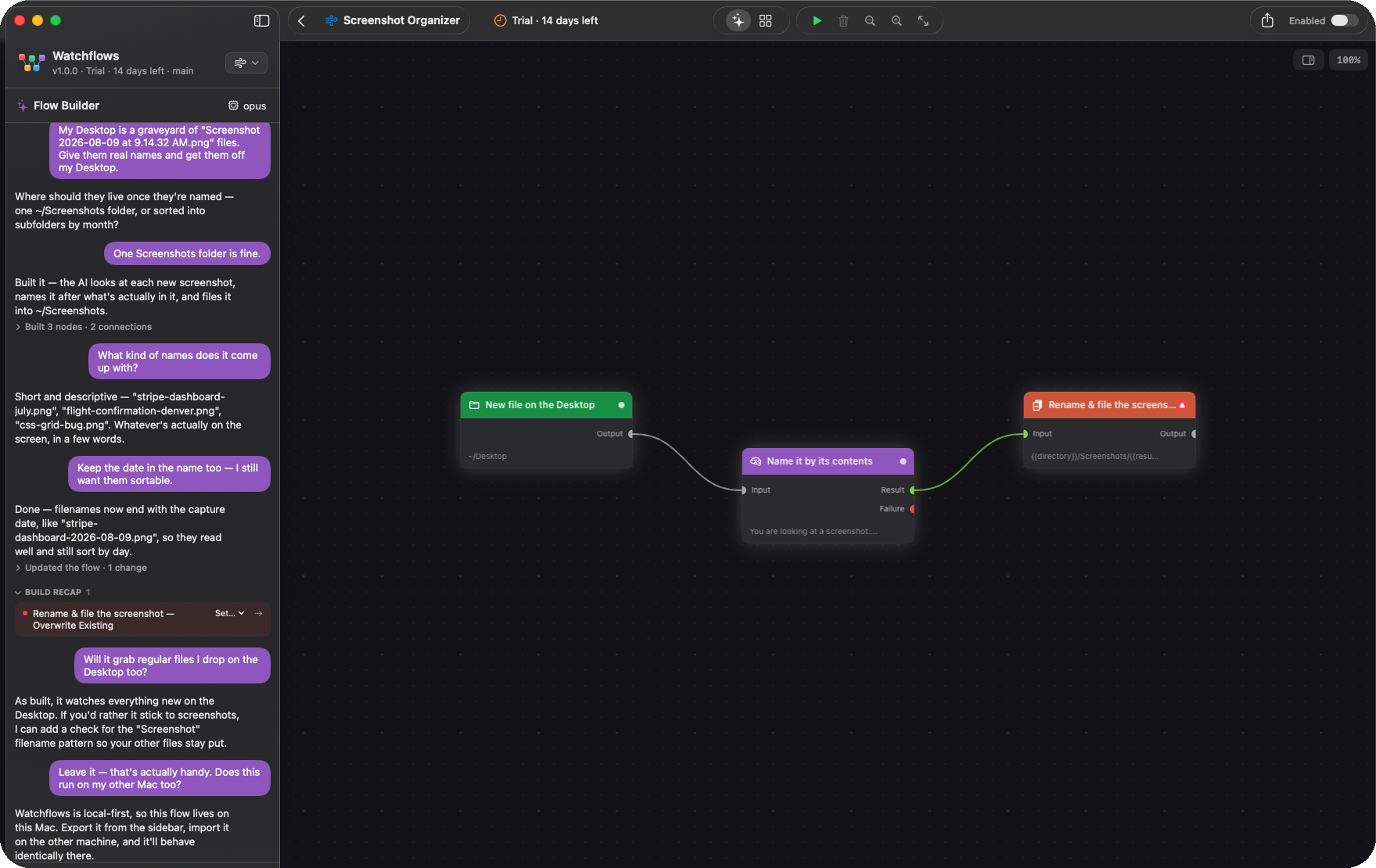
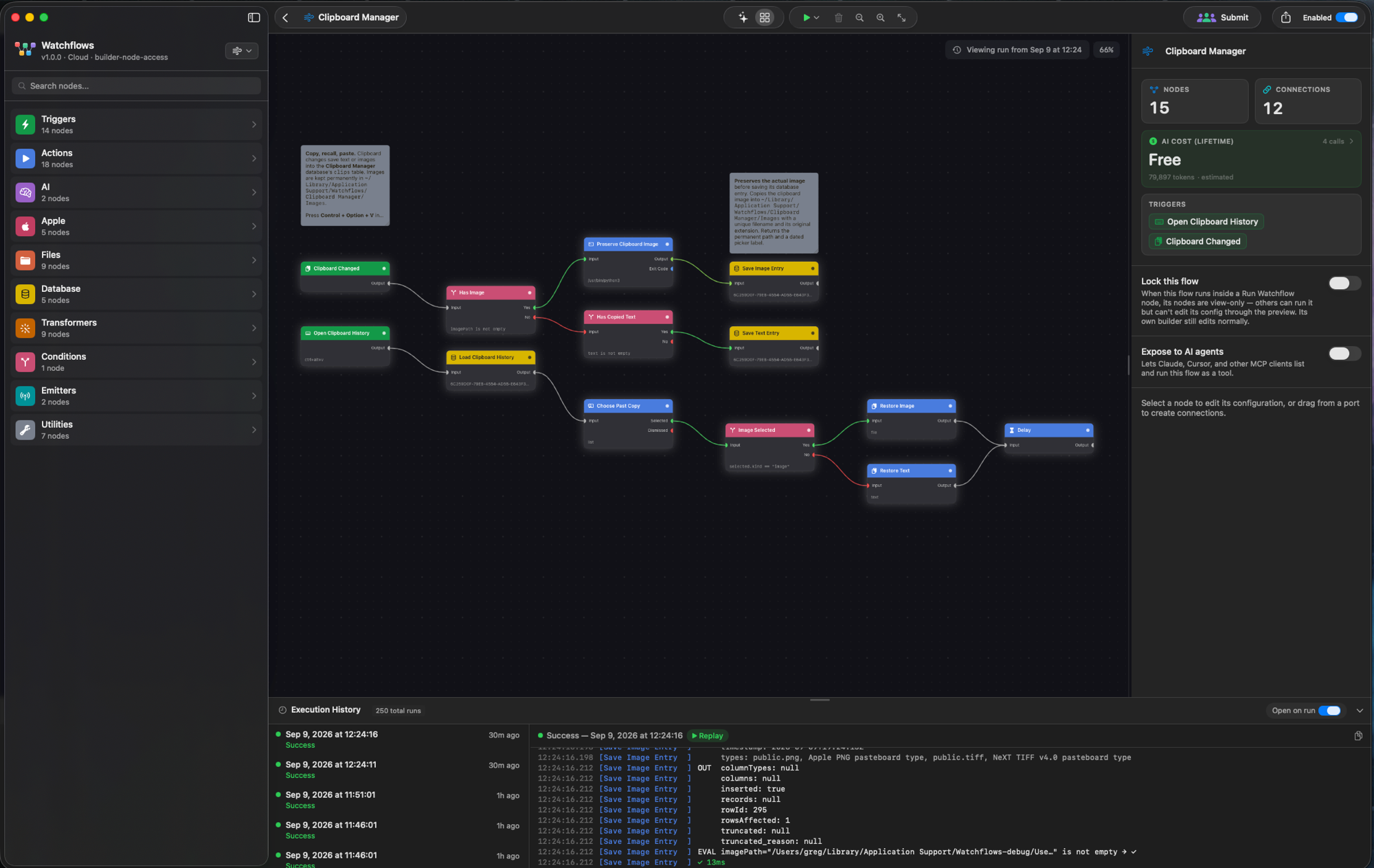
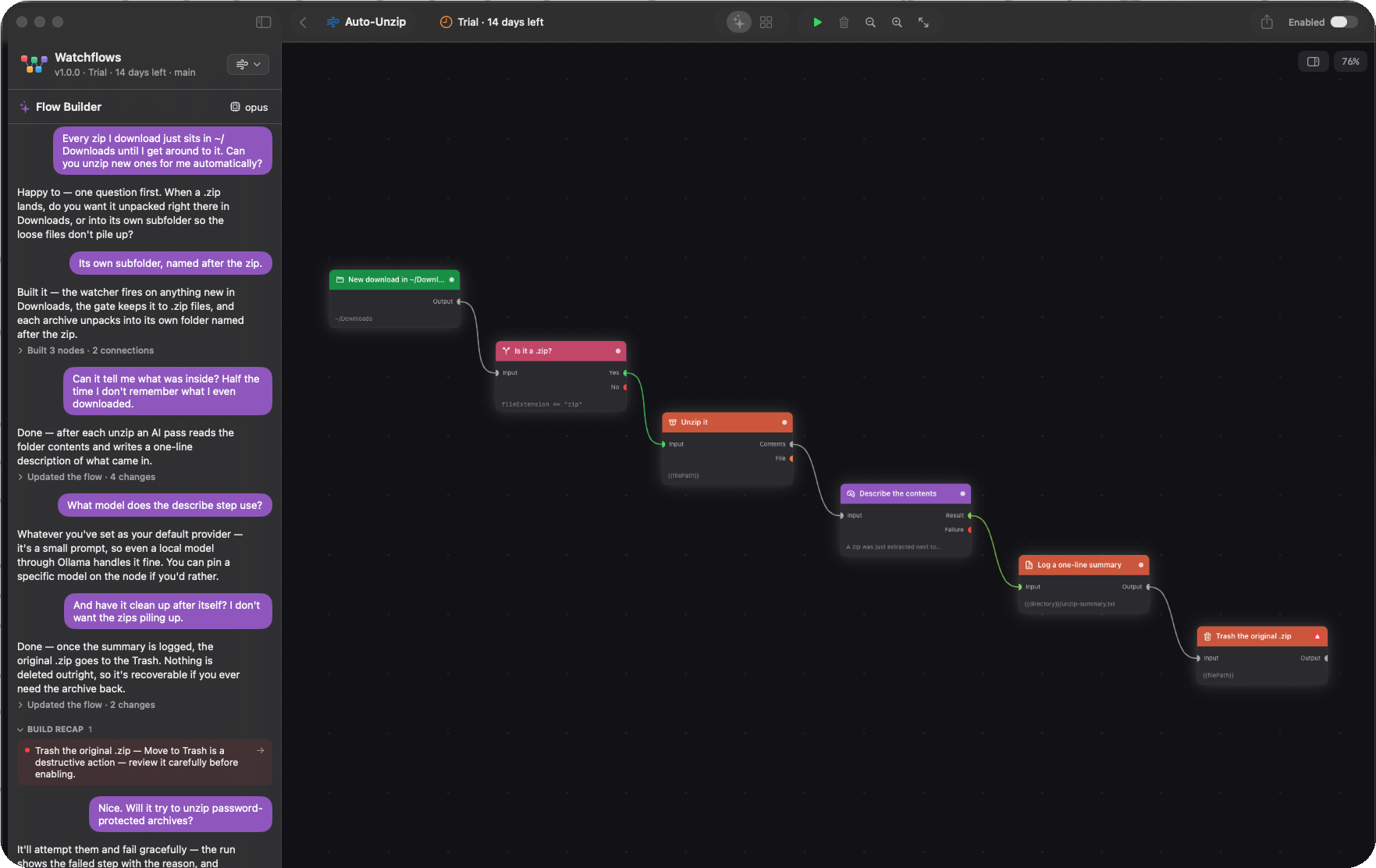
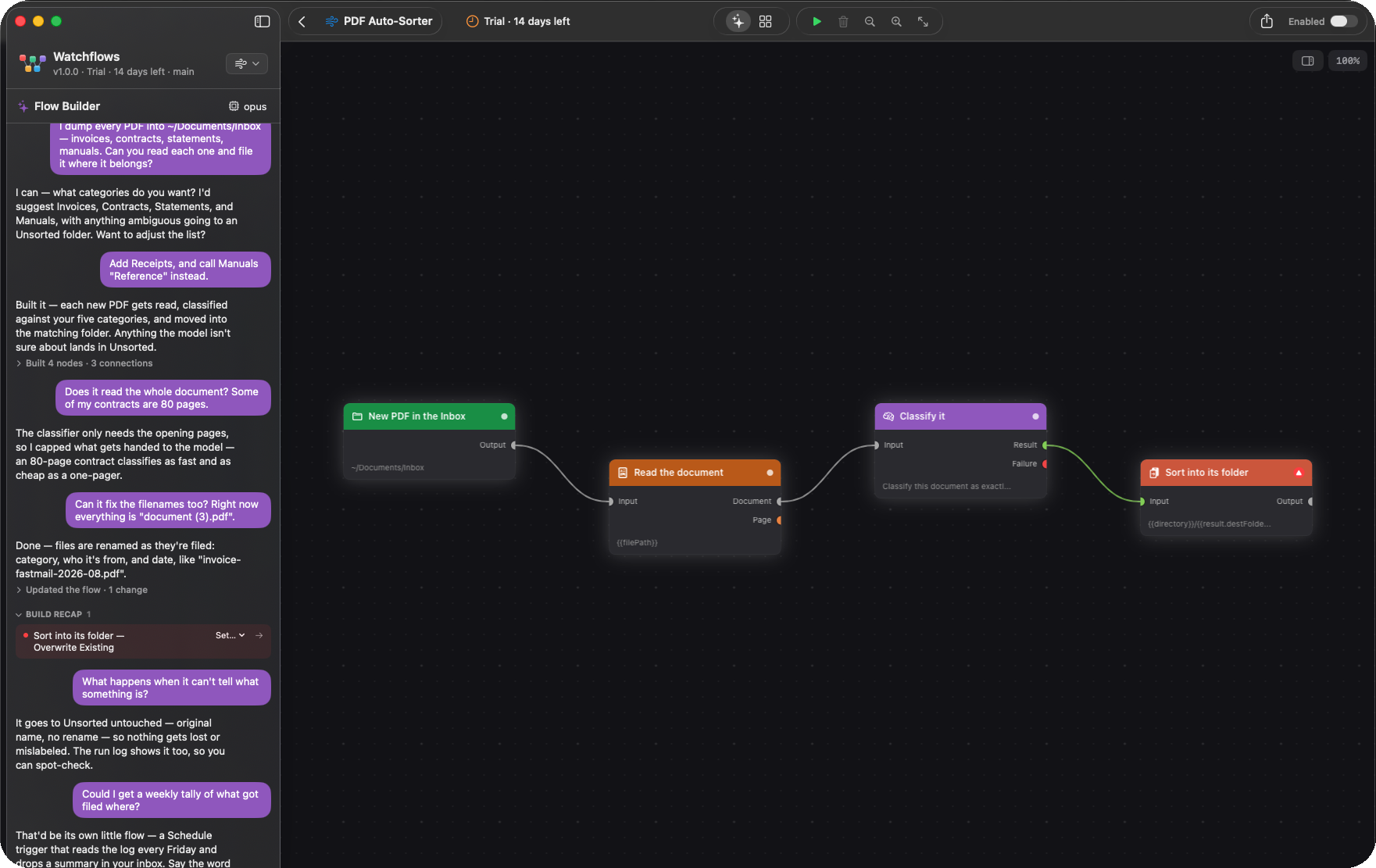
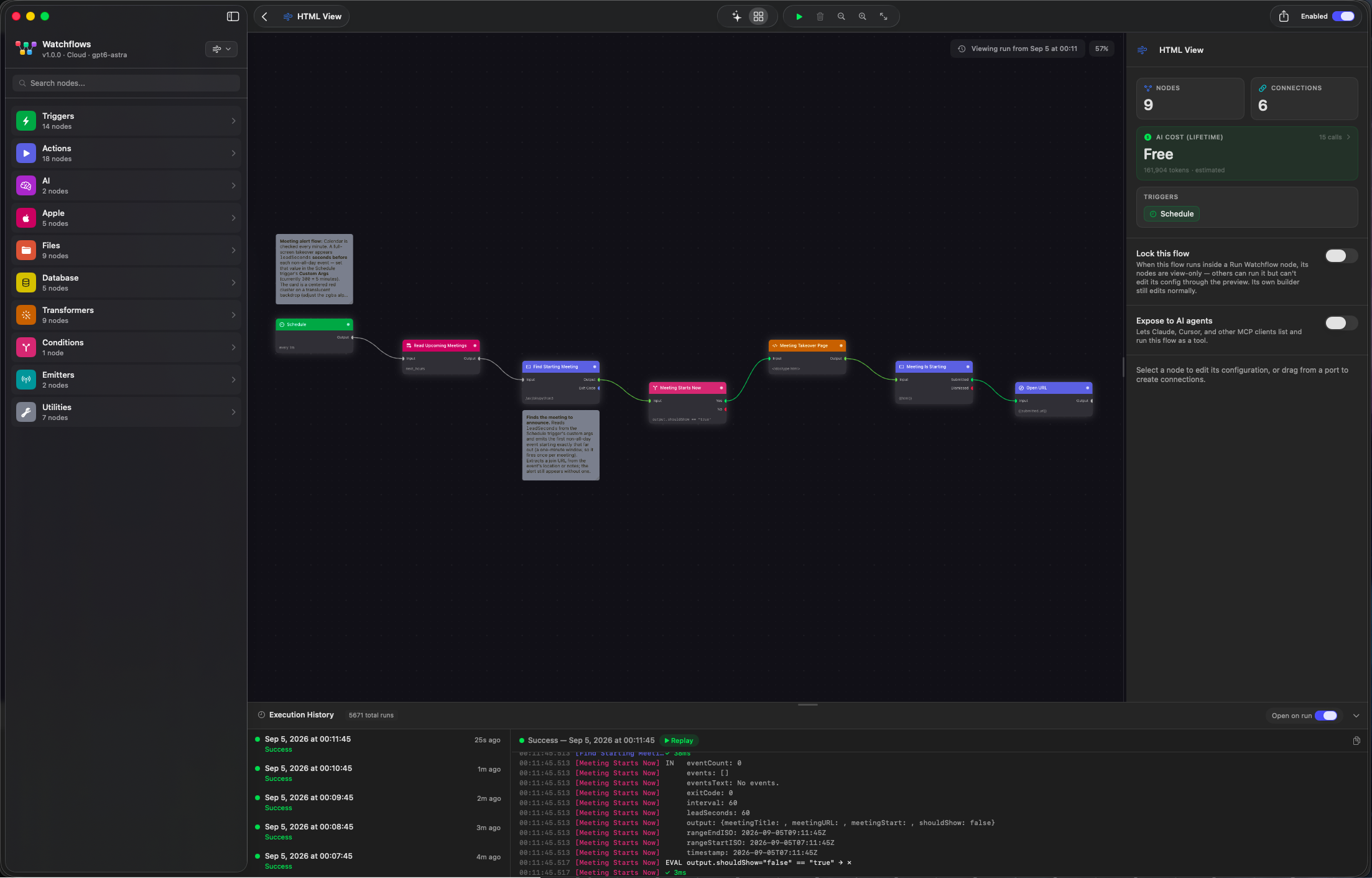
See it in action
Drag nodes, click to inspect, and press Run to watch your workflow execute.

Interactive preview · drag nodes · click to inspect · press ▶ to run
From Field Notes
All notes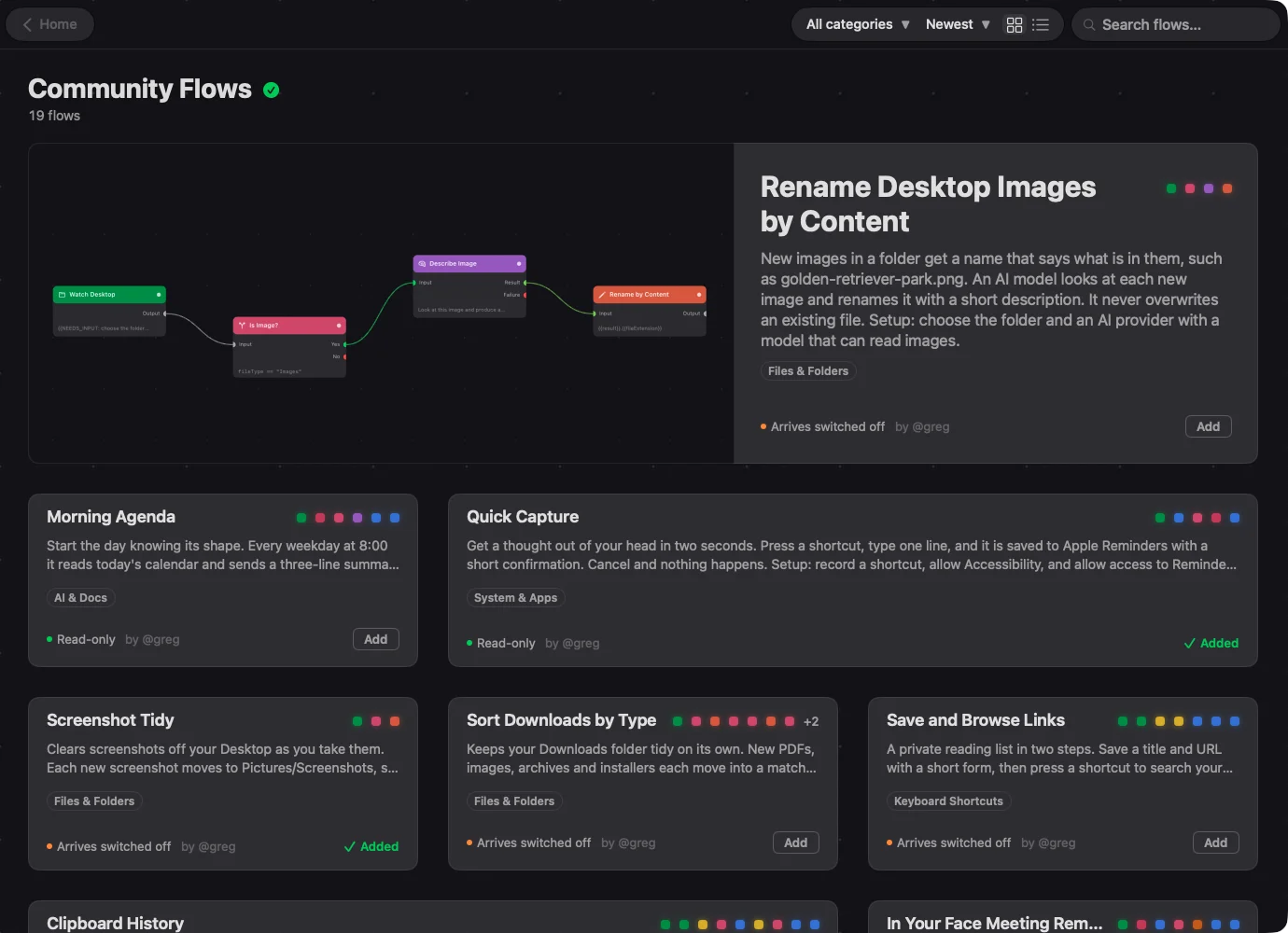
Mac automation templates you can add in one click
Community Flows is a catalog of finished Mac automations inside Watchflows. Browse it, add one, open it up and change it. Here are five worth adding today.
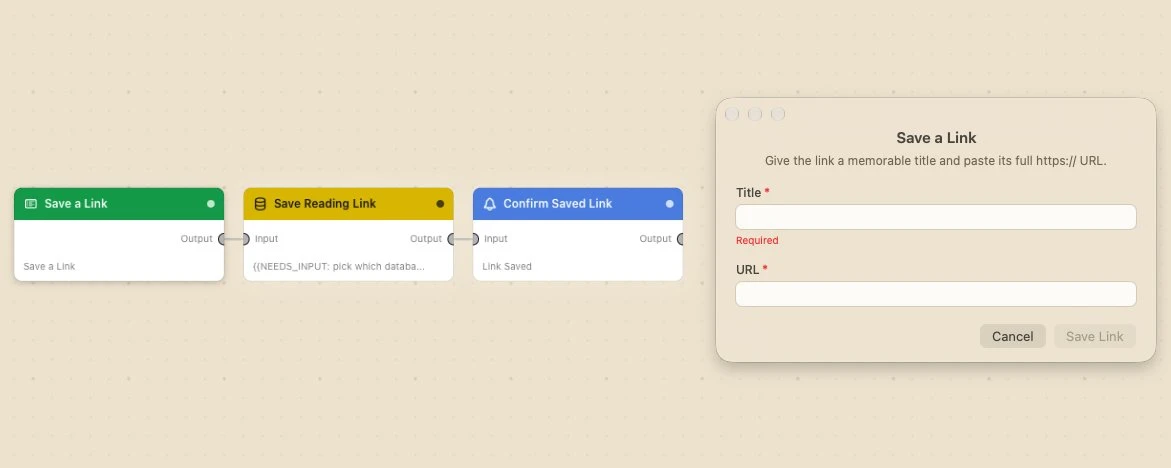
Control surfaces: Mac automations that stop and ask you
Most automations run unattended. These five surfaces let a flow on your Mac stop and ask you: a form, a chooser, a chat window, a full editor and a webhook.
Mac Shortcuts limitations: what it still can't do in macOS 27
macOS 27 fixed a lot in Shortcuts. Six limits are left, from no run history to no webhooks. I tested each one, with screenshots, and say where it matters.